
Command Palette

Search for a command to run...

Display system info with Neofetch

Published
1 min read
Display system info with Neofetch
D

I started programming when I was 11. Microsoft Basic on a TRS-80 computer.

Moved on to learn Pacal, C, C++, Cobol, SQL, PHP, Powershell, Python.

Been coding for 40 years and loving it.

If you want a quick way to display your Raspberry Pi system information, try using Neofetch.

There are an abundance of command line options, but just issuing the command all by itself produces a decent amount of information.

Installation

Installation is a breeze.

https://github.com/dylanaraps/neofetch/wiki/Installation
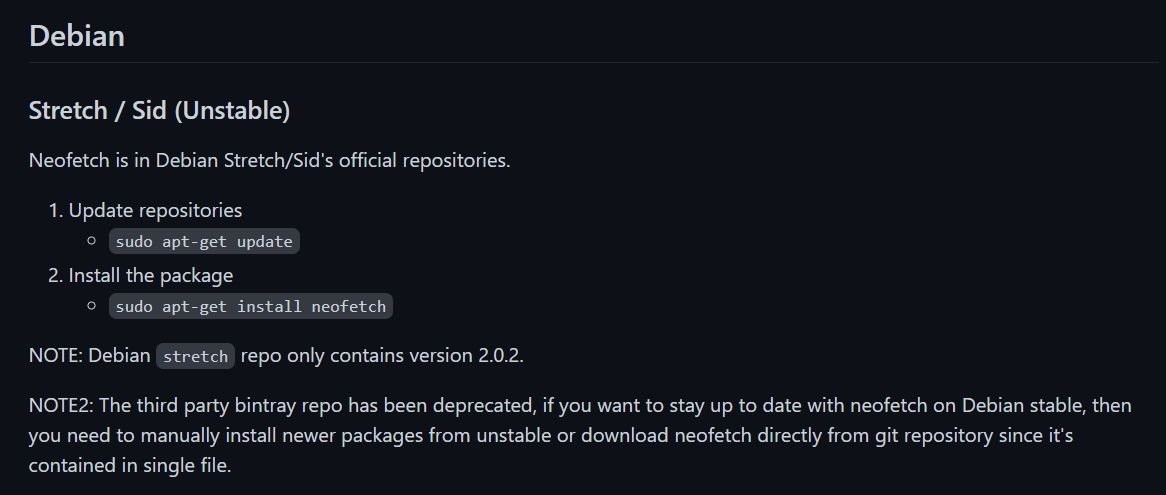
2021-10-06 17_28_11-Installation · dylanaraps_neofetch Wiki - Brave.jpg

More from this blog