MeshTalk, Curses and Packets
It has been a wild week for me. I decided to improve the curses code in my MeshTalk program. If you recall, curses is a python library (derived from ancient 80's code) used to display text in windows on a terminal.
Curses
I created 5 windows that have different types of scrolling. Each window is easily resizable and colored. Getting this to work properly took a lot of tweaking. Windows can be refreshed, updated, cleared, scrolled etc.
I created a sort of word-wrap function as well. It looks and works great.
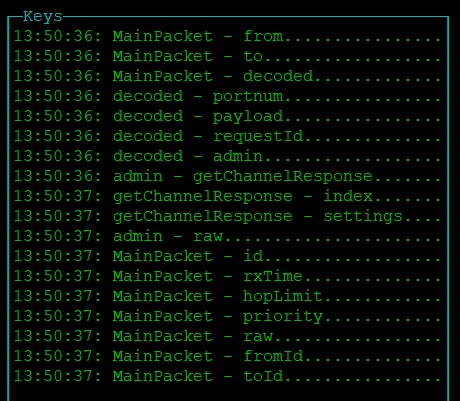
One useful window I have is the Keys. As the program decodes packets it writes out the key name to a Keys window. This lets me see pertinent keys that I want to display in other windows.
Decoding Packets
Data packets sent and received by the radio are stored as python dictionaries. A dictionary is a list of key/value pairs.
Meshtastic packets can contain other packets. To decode these I created a recursive function. You send it a packet, and it decodes it. If it finds a packet inside, then it calls itself, passing THAT packet. And so on.
By printing the keys out to a scrolling window, I can see which keys are interesting and focus on those.
Right now I am trying to determine the name of the device that is connected to the Raspberry Pi.
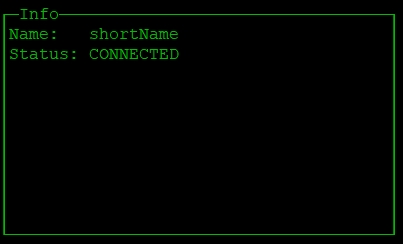
As you can see, I have not yet gotten it right. A little more debugging and it will be all good.