Programming LED displays on a Raspberry Pi

I have spent a good chunk of my "hobby time" programming displays for Raspberry Pi computers.
This series will explore the various LED displays available from Pimoroni and Adafruit and how to display images and light effects on these amazing displays.
Arcade Retro Clock
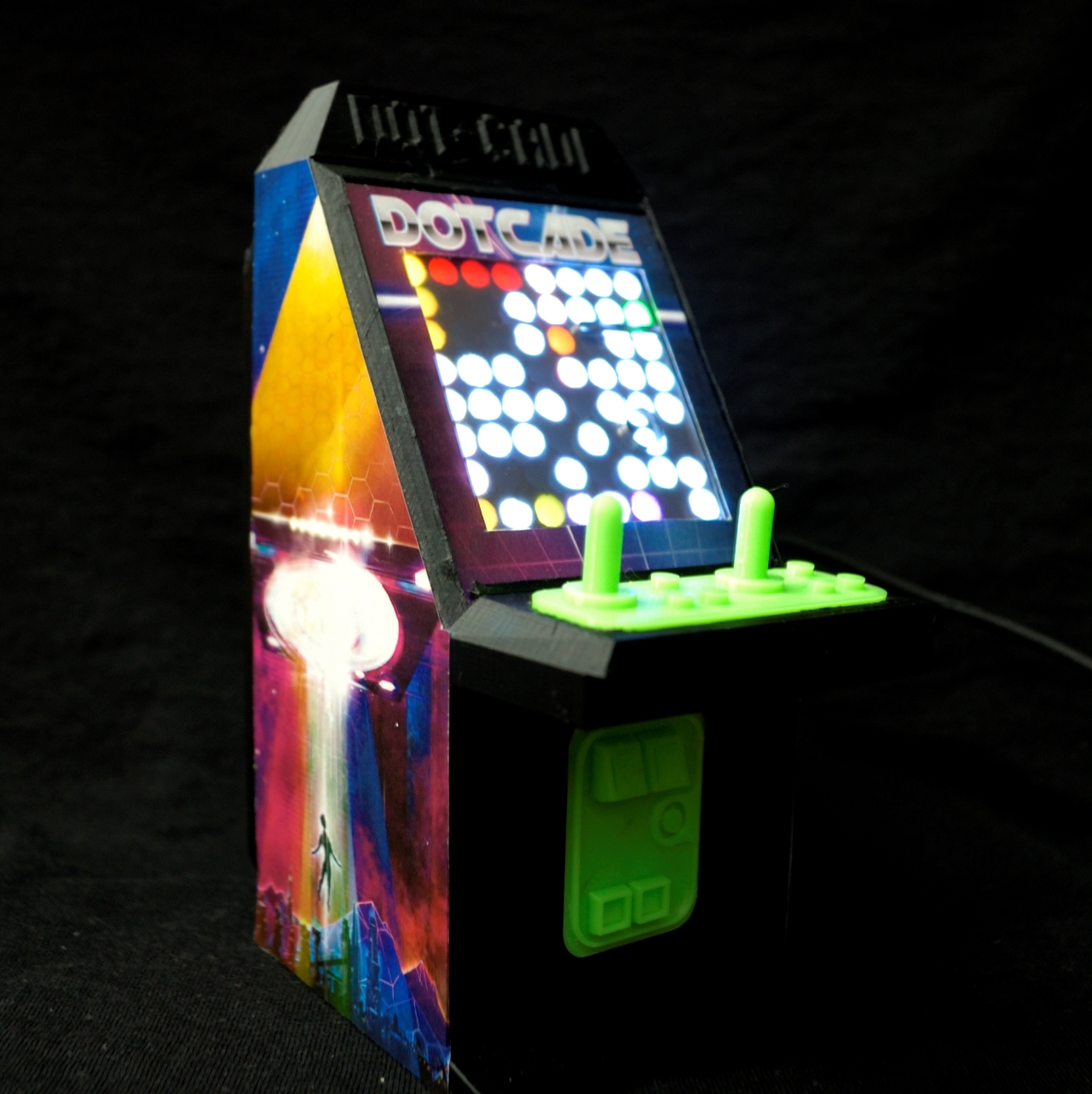
I created a digital clock that also played 8 video games (by itself). The 8x8 display is crazy small but this really inspired me to think outside the grid. I cannot do this display justice with photos or even video. You really have to see them in person.
Arcade Retro Clock HD
The HD version of the clock uses a 16x16 display. I have several versions of this display, some small some quite large.
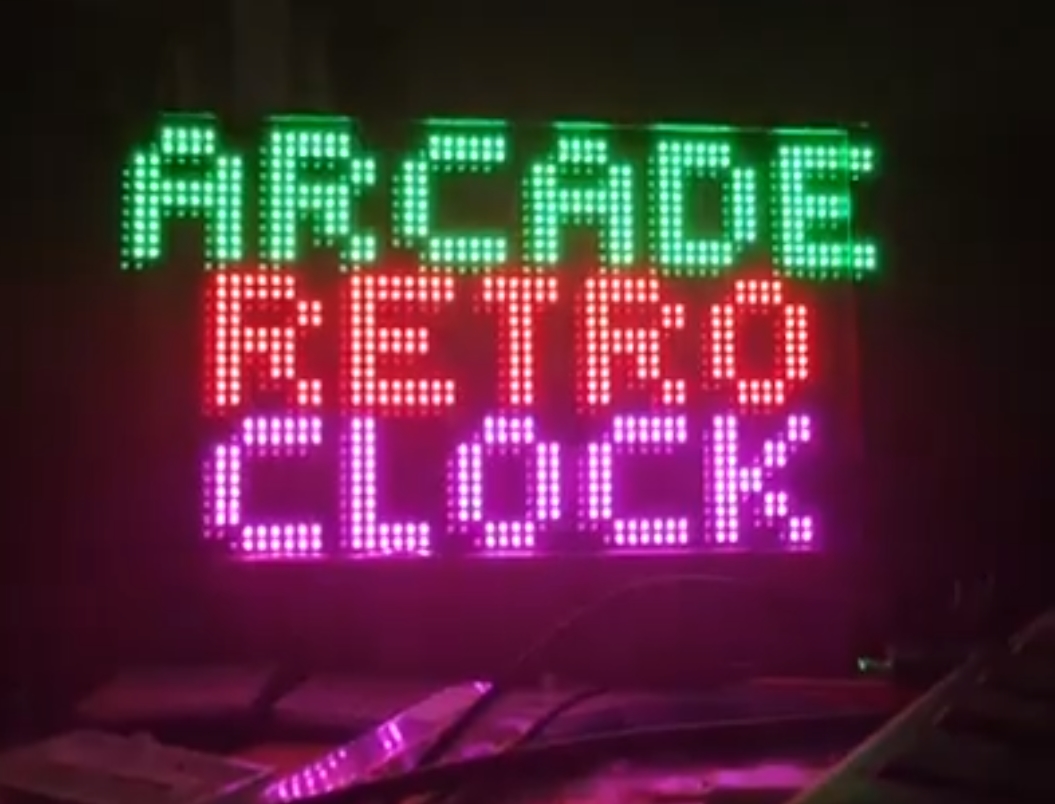
Arcade Retro Clock RGB
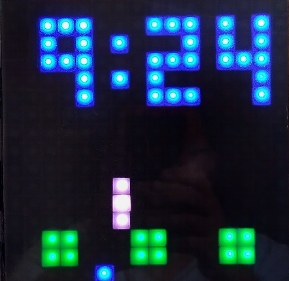
This latest version of the Arcade Retro Clock uses a 64x32 pixel display from Adafruit. I have converted 4 games to play on this larger screen and they are amazing. More to come soon I promise.
Stay tuned for an in depth discussion about each version, what hardware is involved, and more importantly how you can download the code and try it yourself.